AllMight Tutoring
Tutoring centres and language schools
by computerization4u
Families and students
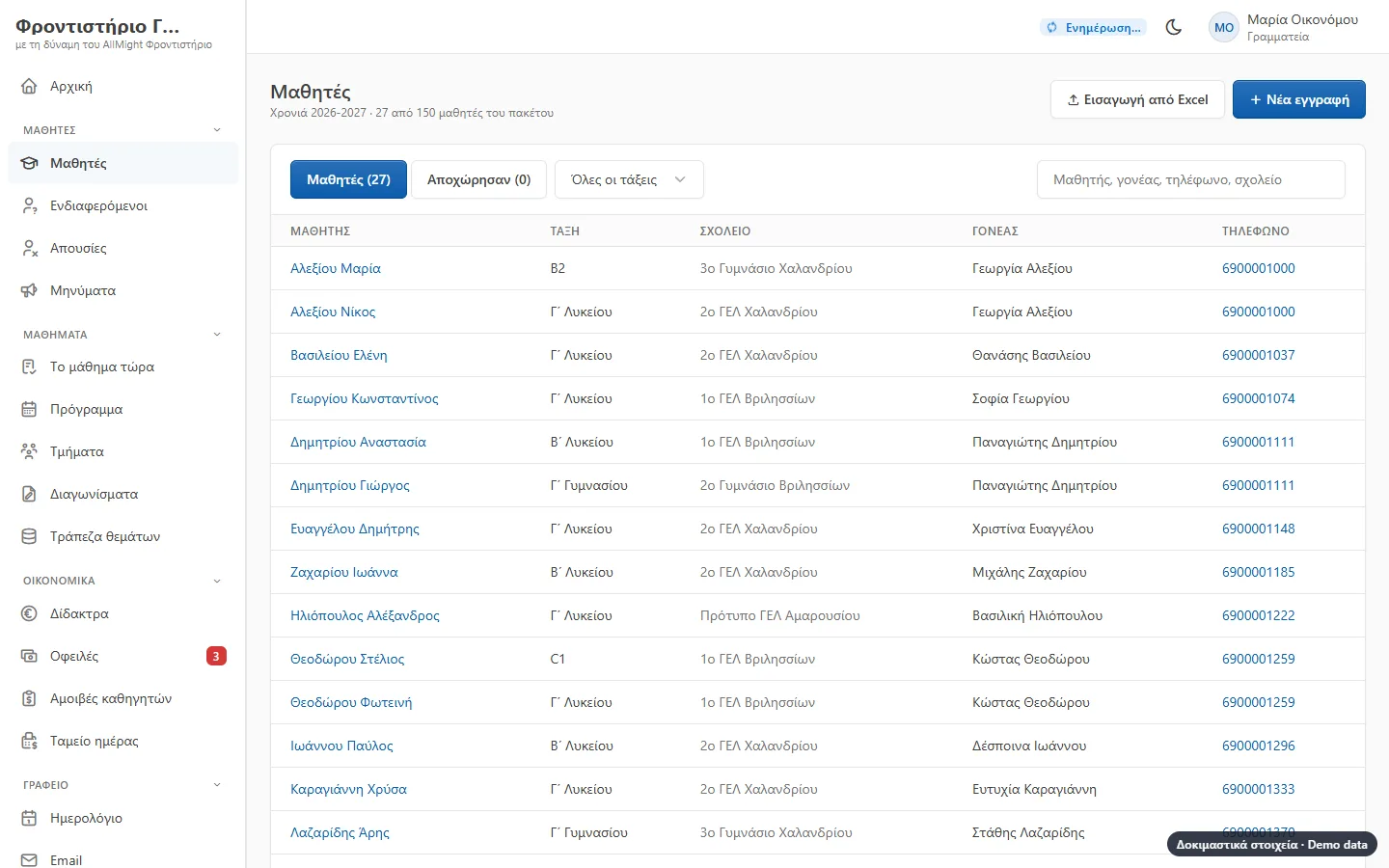
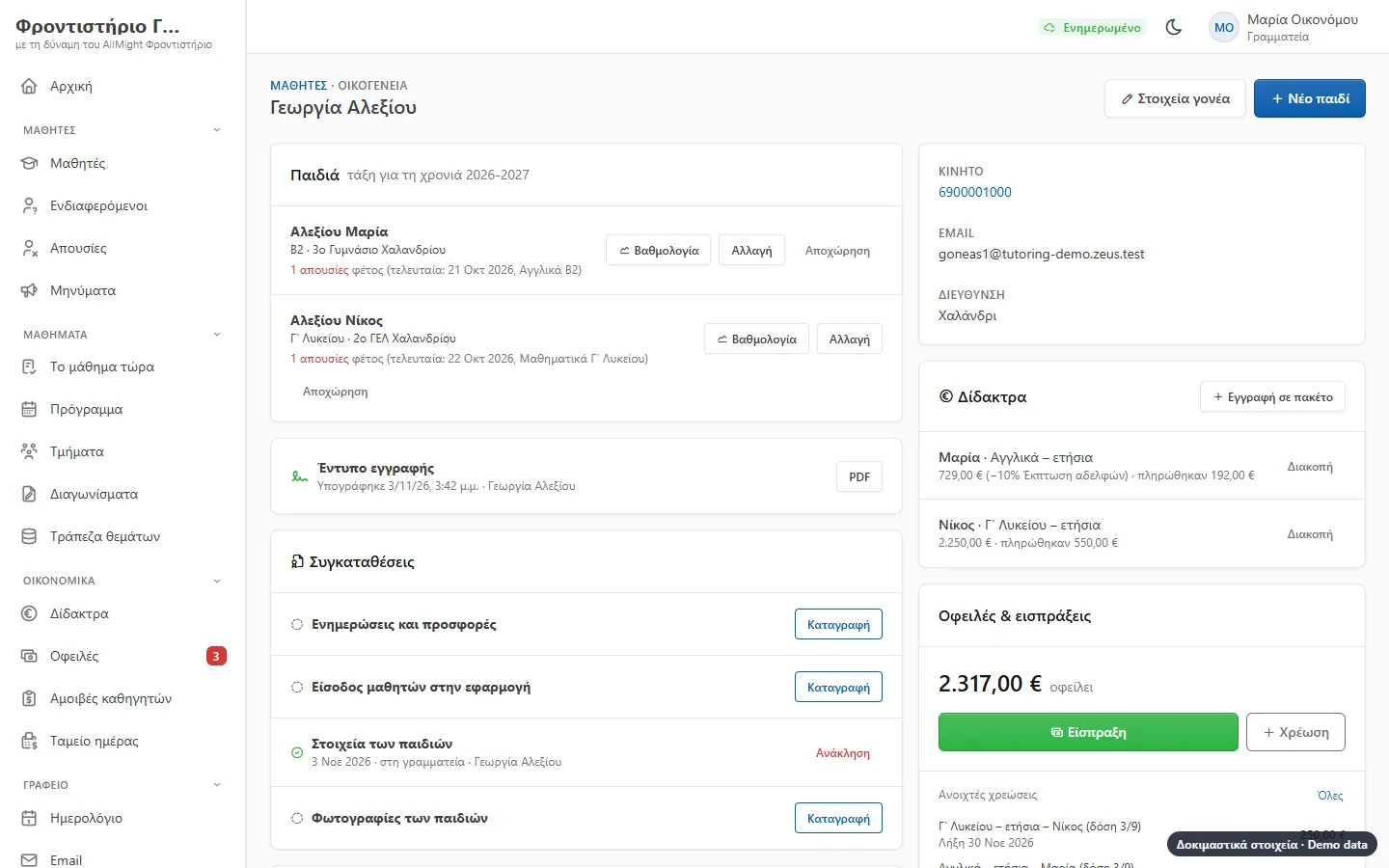
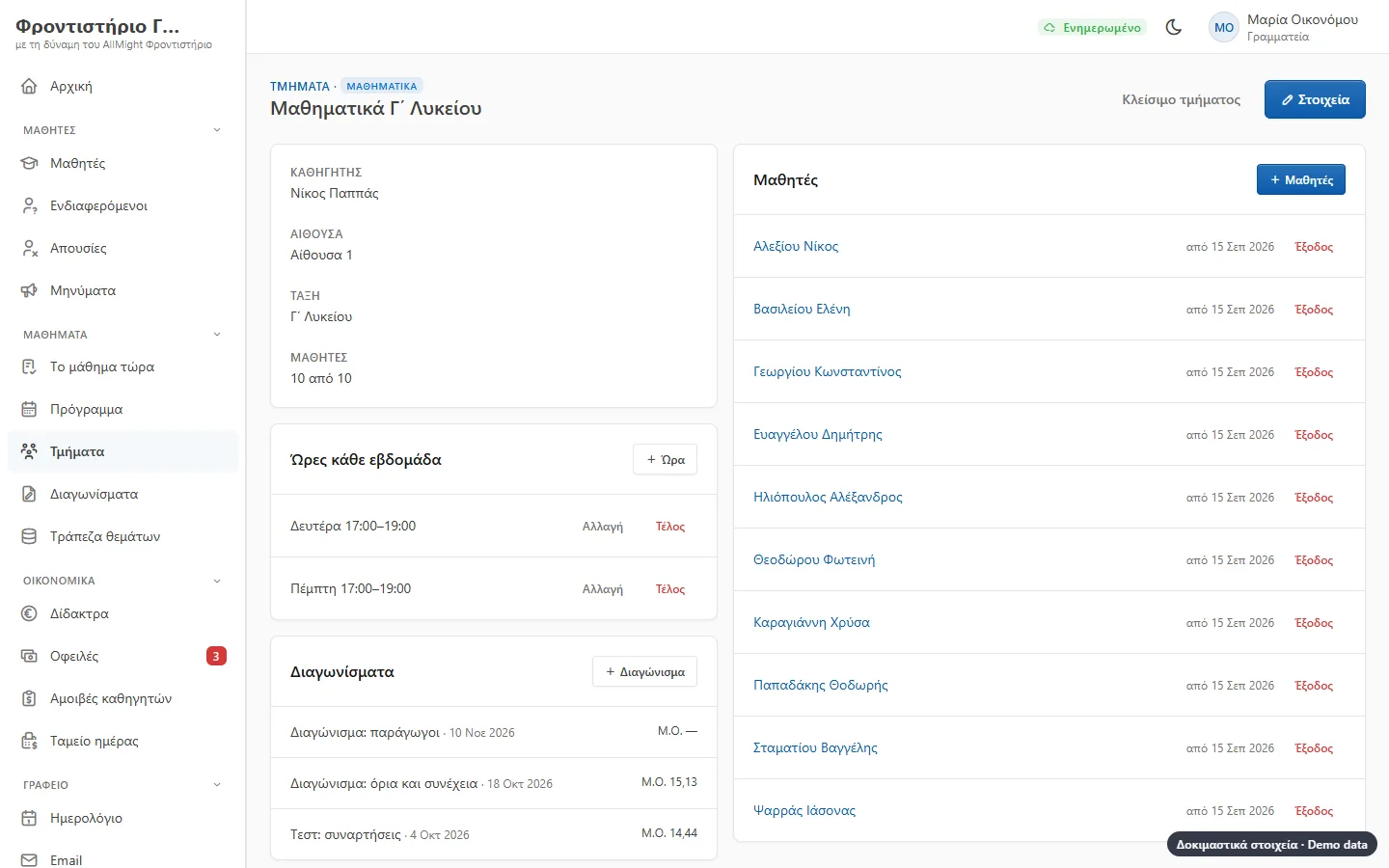
Each family is one card with the siblings together: parents’ details, each child’s class and school, groups, absences, grades and fees.
- Excel import with a preview
- Class per school year, with the earlier years kept
- A second parent on the same card
- A student who stops stays in the history
Groups and timetable
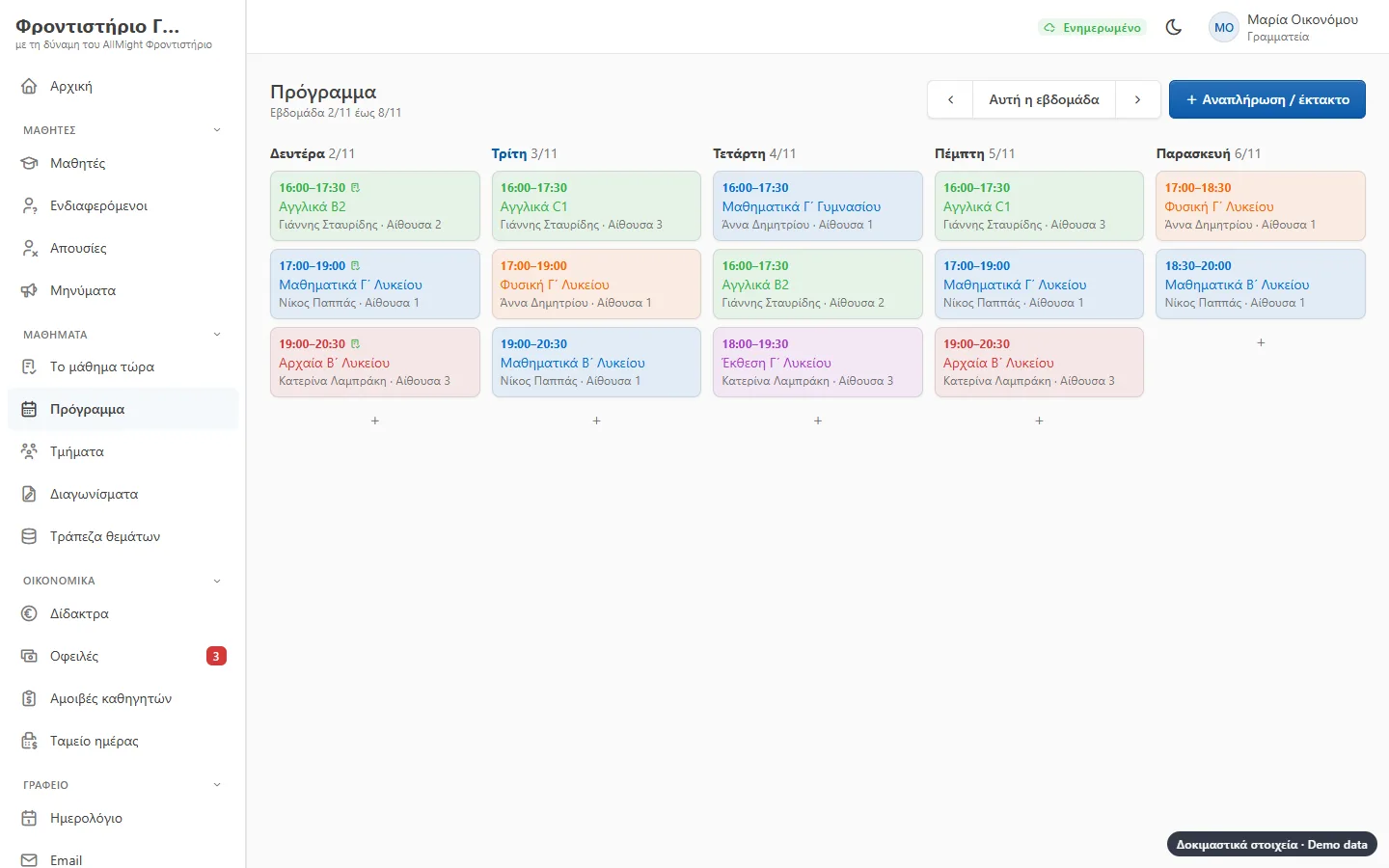
Make groups per subject and class, with a teacher, a room and hours. The weekly timetable follows by itself, for the whole school or for one teacher.
- A warning when a room or a teacher is in two places
- Cancellations, make-up lessons and substitute teachers
- A colour per subject
- Lessons on the calendar too
The roll on the phone
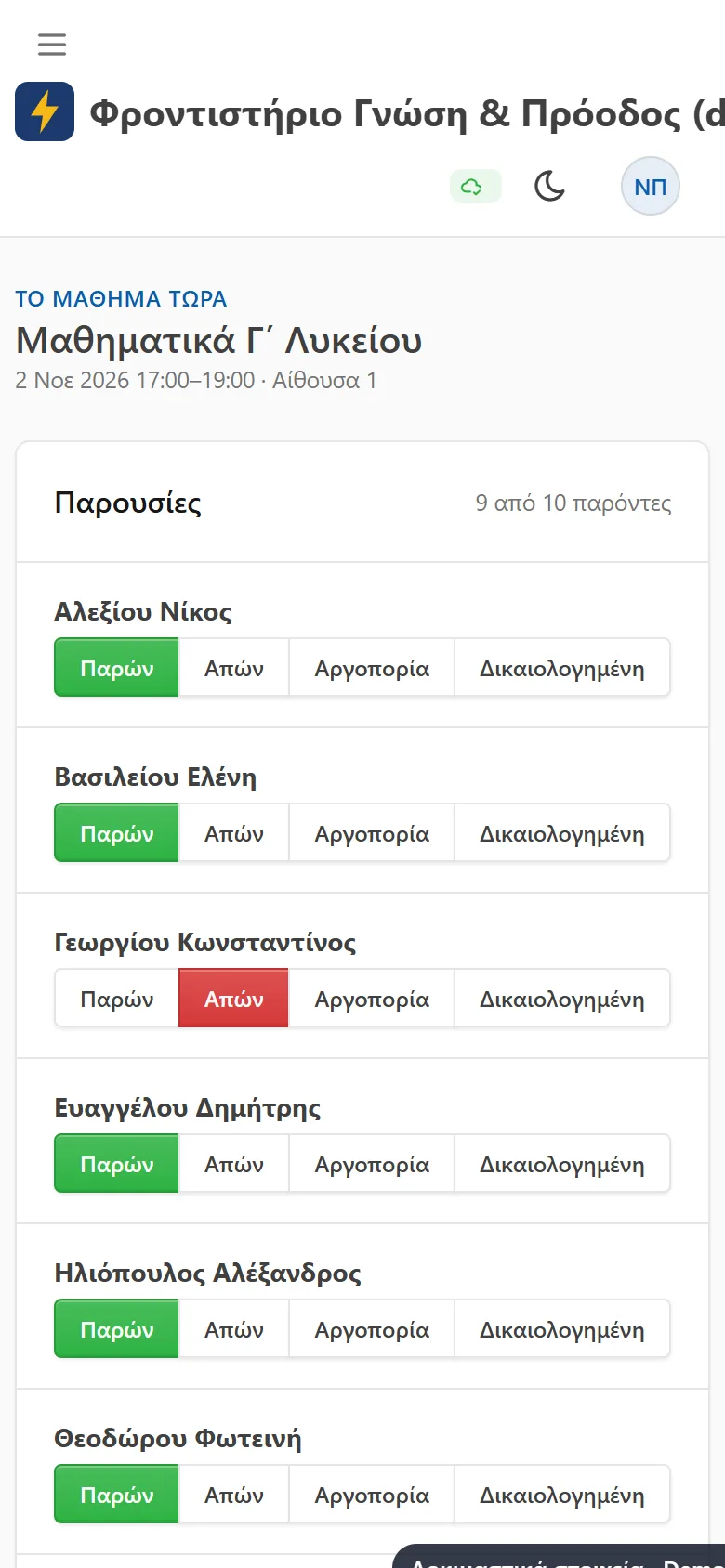
The teacher opens «the lesson now», taps who is missing and writes the topic and the homework. It works without a signal too and sends once it is back online.
- Present, absent, late, excused
- The parent hears of the absence a few minutes later
- A correction sends a correction to the parent
- A list of students often missing
Tests, grades and progress
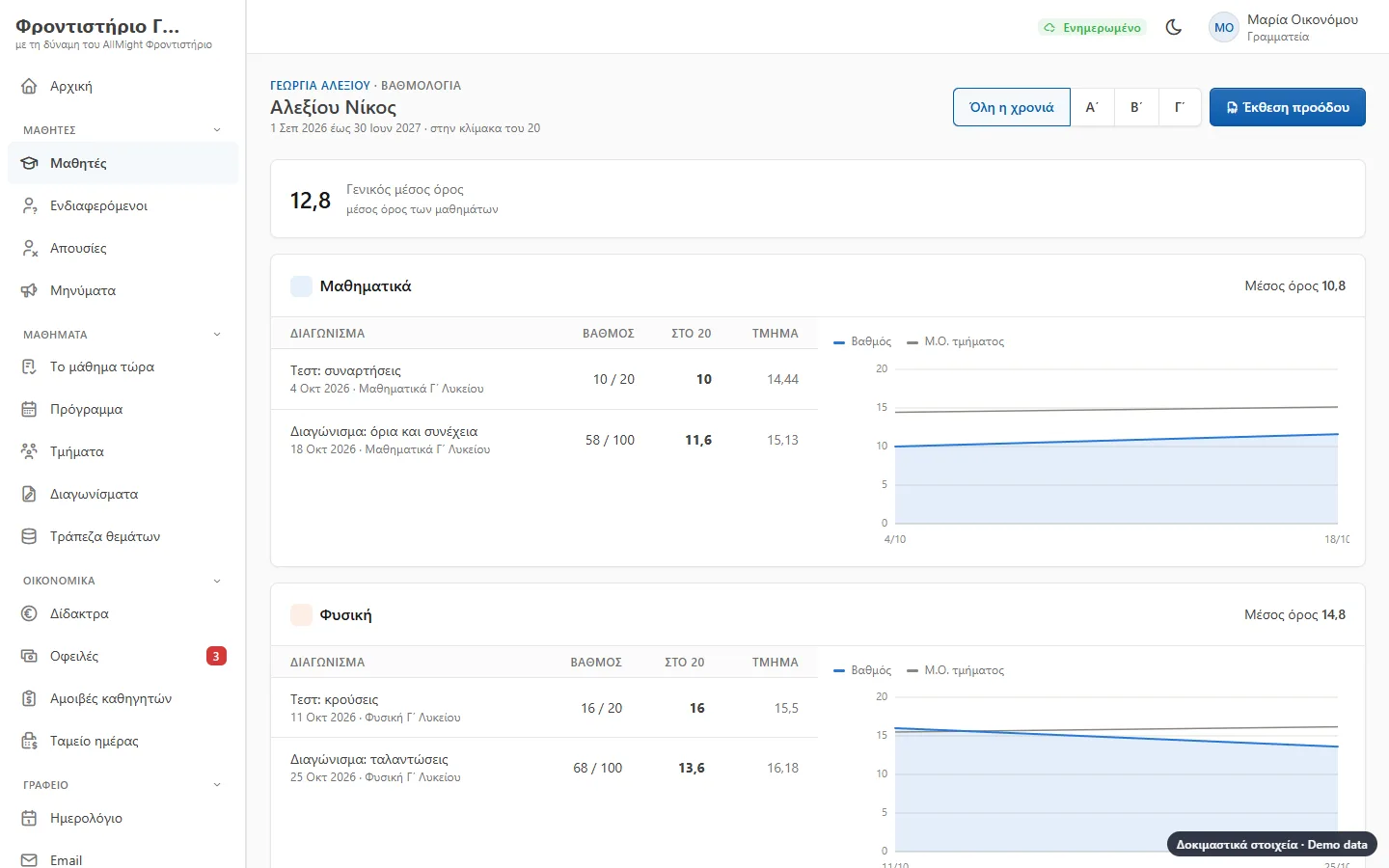
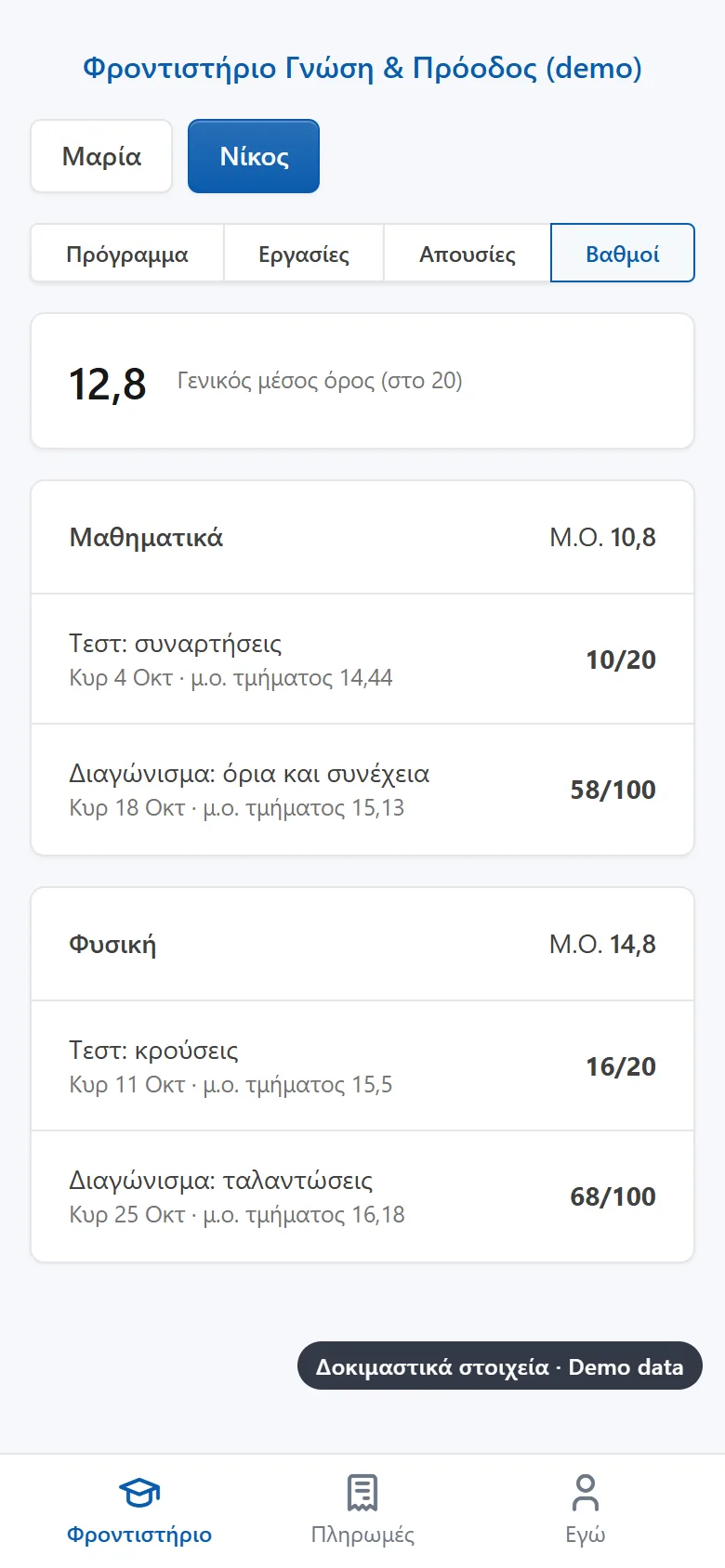
Each test with the group’s grades and the average. The teacher chooses when parents see them. Every student’s card shows the way they are going per subject and prints.
- Grades out of 20 or 100
- Absent from a test without spoiling the average
- Grade card as a PDF for the parent
- A weight per test
A question bank and a different paper for each student
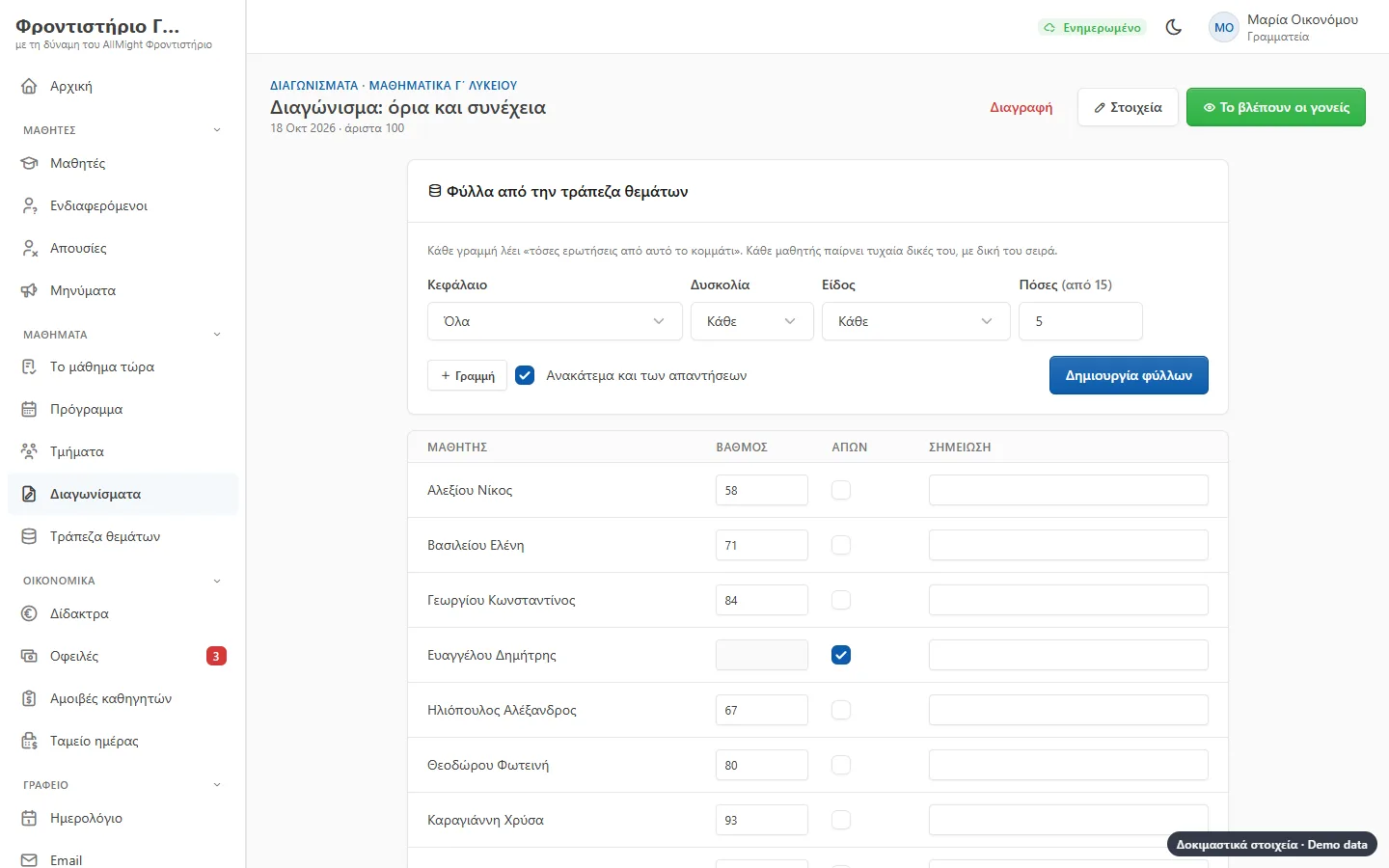
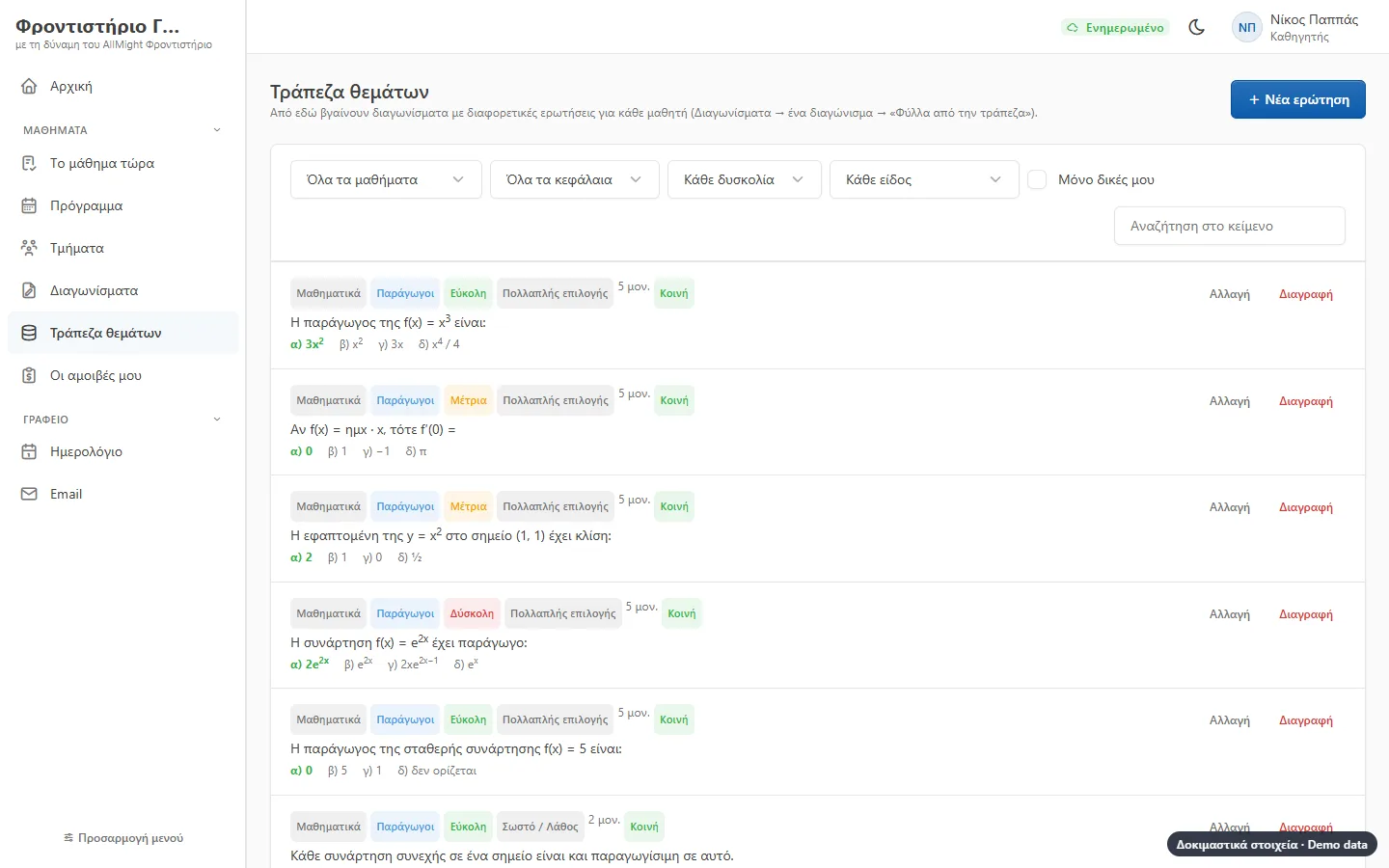
Each teacher keeps questions by chapter and difficulty: multiple choice, true / false and open, with formulas and pictures. For the test you say «3 easy ones on derivatives, 2 hard», and each student gets their own paper.
- Powers, subscripts and symbols for maths
- Answers shuffled too
- A PDF with the papers and a PDF with the answers
- Shared questions or only the teacher’s
Tests on a phone or a tablet
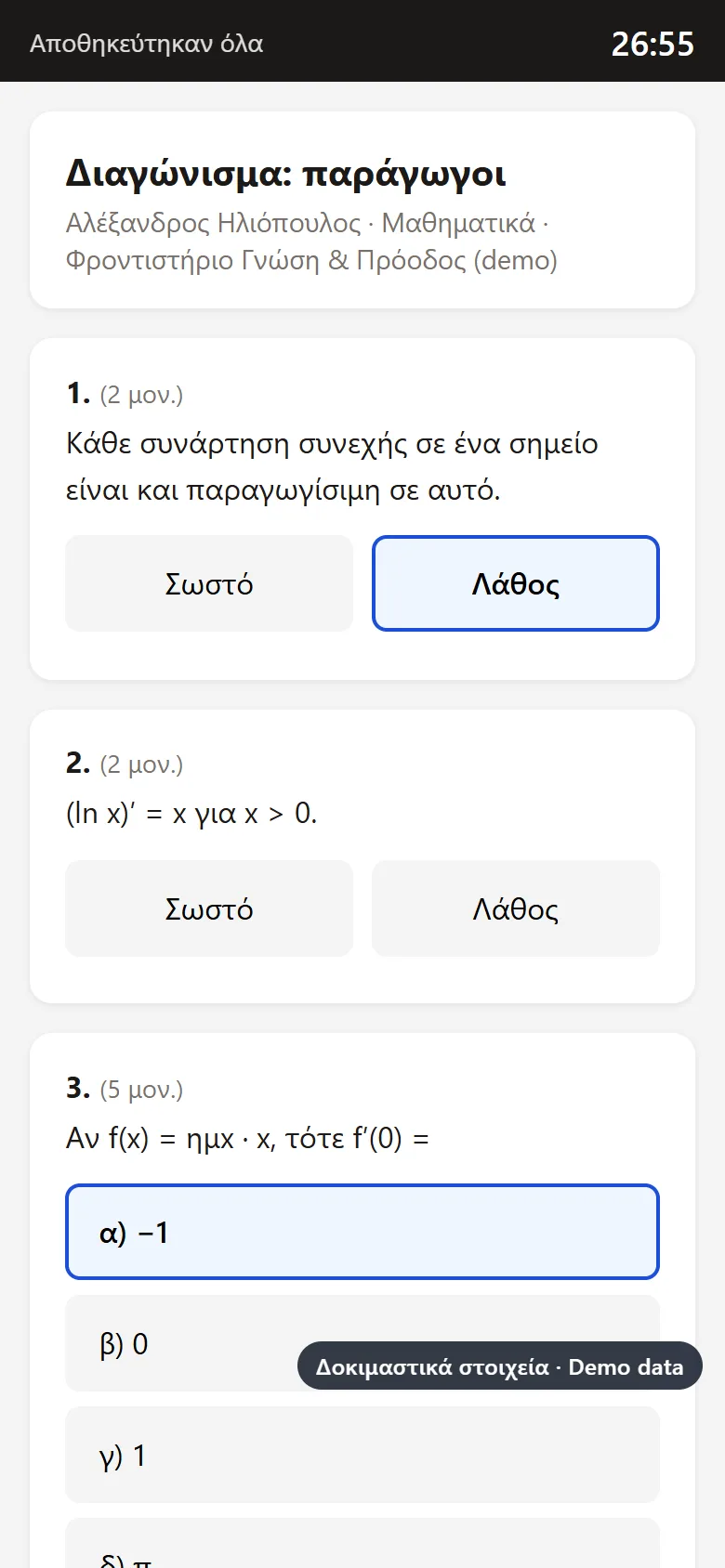
The same random paper, written on screen instead of paper. The teacher puts a code on the board; the student types it with their own code and sees their paper, with a timer.
- Closed questions at a tap, open ones as text or a photo of the paper
- Every answer is kept at once, even if the internet drops
- At the end of the time the paper hands itself in
- Students from 15 open it from their own app, with no codes
Live view and marking
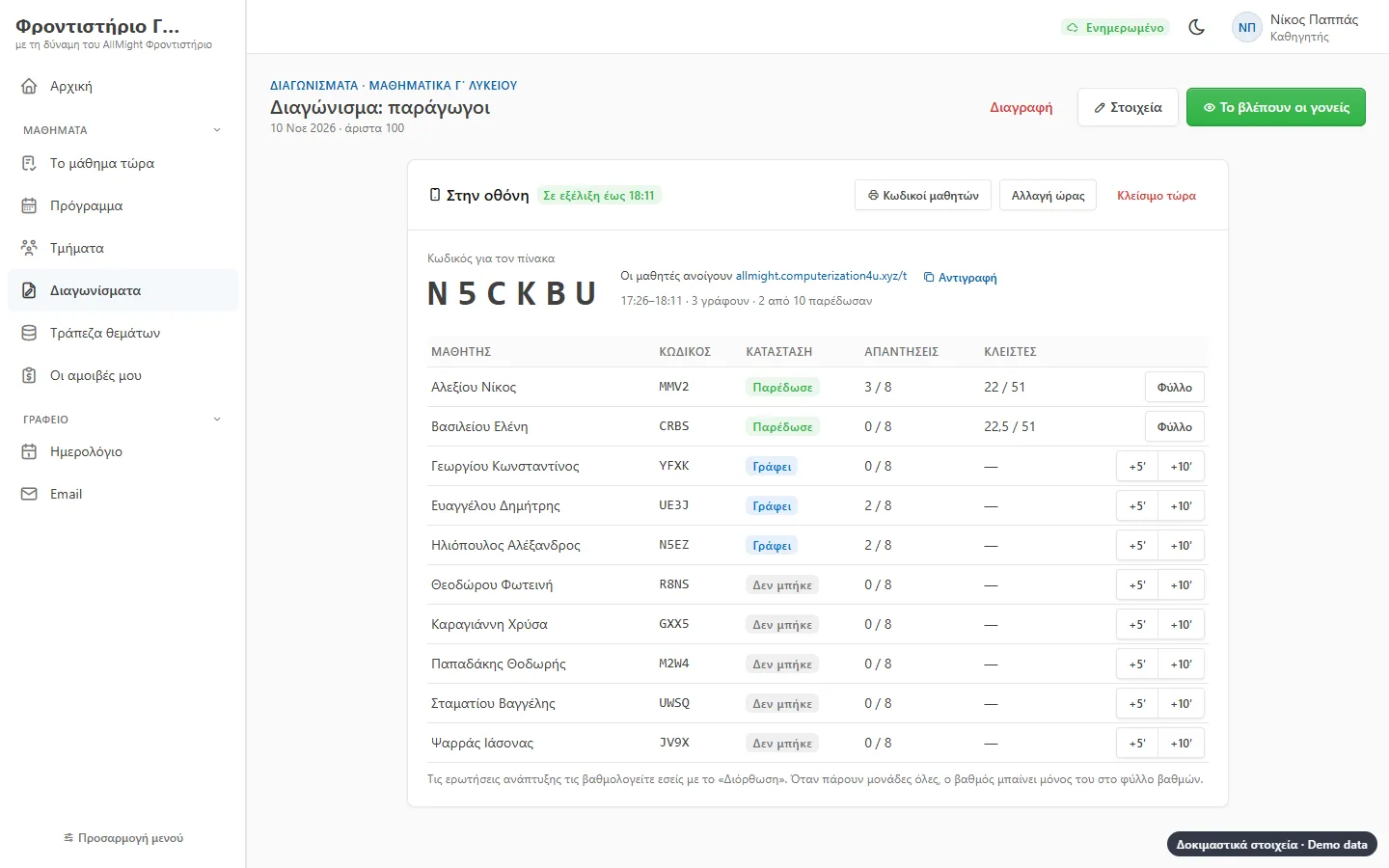
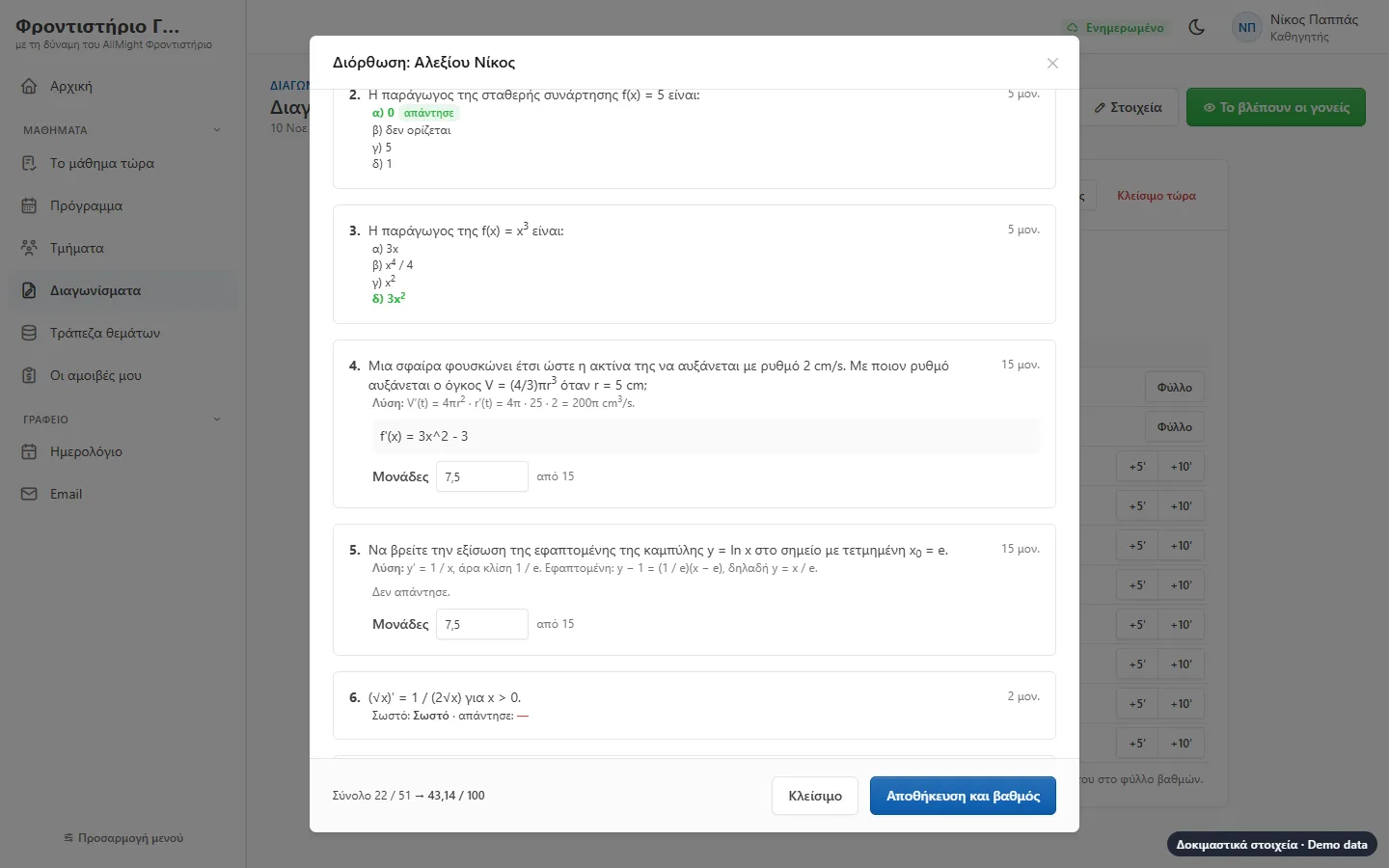
The teacher sees who came in, who is writing and who handed in, and gives more time to whoever needs it. Closed questions mark themselves; for open ones the teacher sees the student’s work next to the model answer and gives points, and the grade goes to the score sheet by itself.
- The right answers never reach the student’s device
- Once shown, parent and student see the marked paper
- Photos are seen only by the group’s teacher and the office
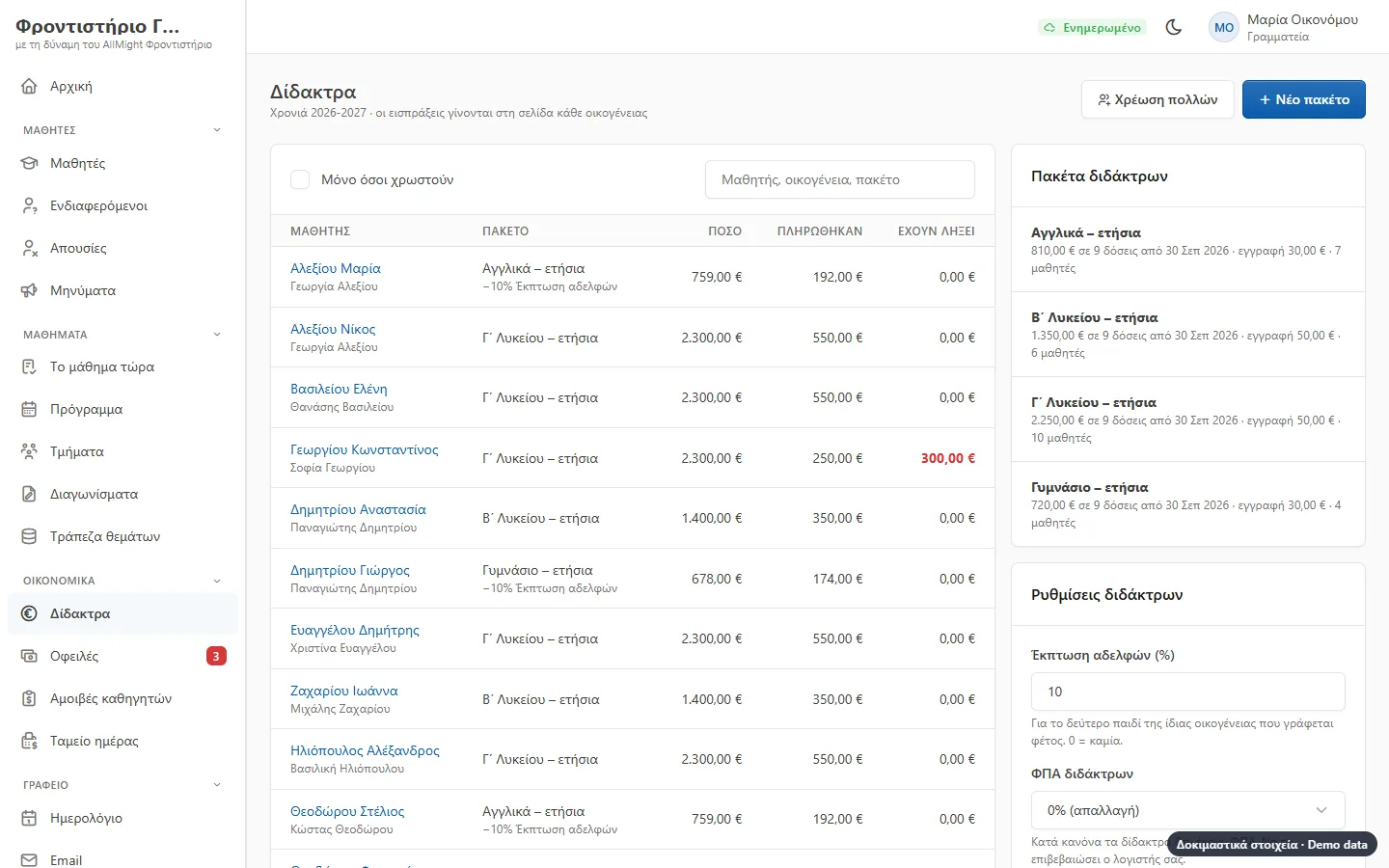
Fees in instalments
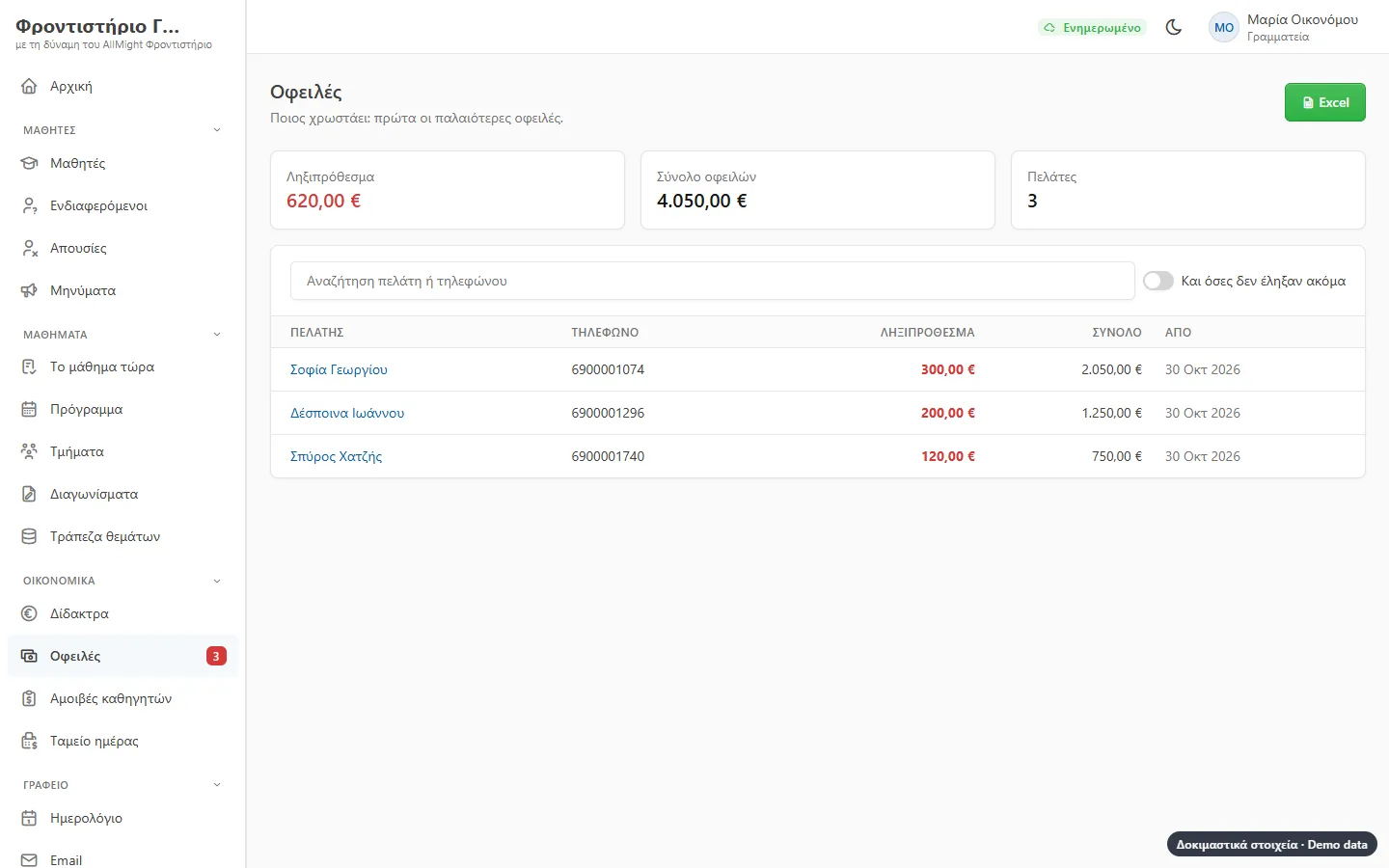
Set fee plans with a registration fee and monthly instalments. Enrolling a student makes the instalments by itself, with the sibling discount, and the list of who owes is always ready.
- Sibling discount and discounts by hand
- A student who stops is not charged the later instalments
- A reminder to the parent at a click
- Parents see what they owe on their phone
The school on the parent’s phone
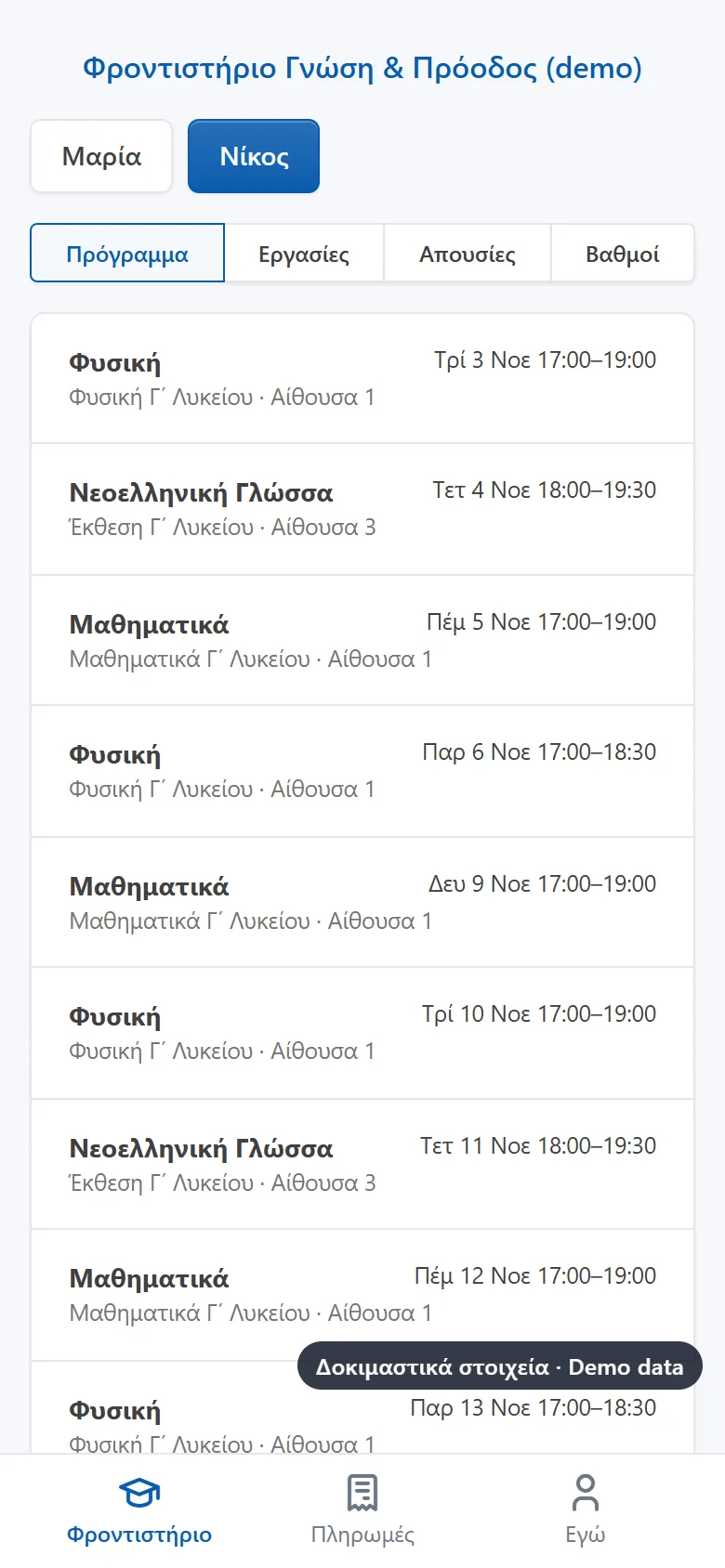
Parents sign in with a code sent to their email, with no password to remember. They see each child’s timetable, topics and homework, absences, published grades and fees.
- Both parents, each with their own email
- Students from 15 with their own login, if the school wants it and the parent agrees
- Students never see payments
- Messages from the office to a group, a class or those who owe
Enrolments and the new year
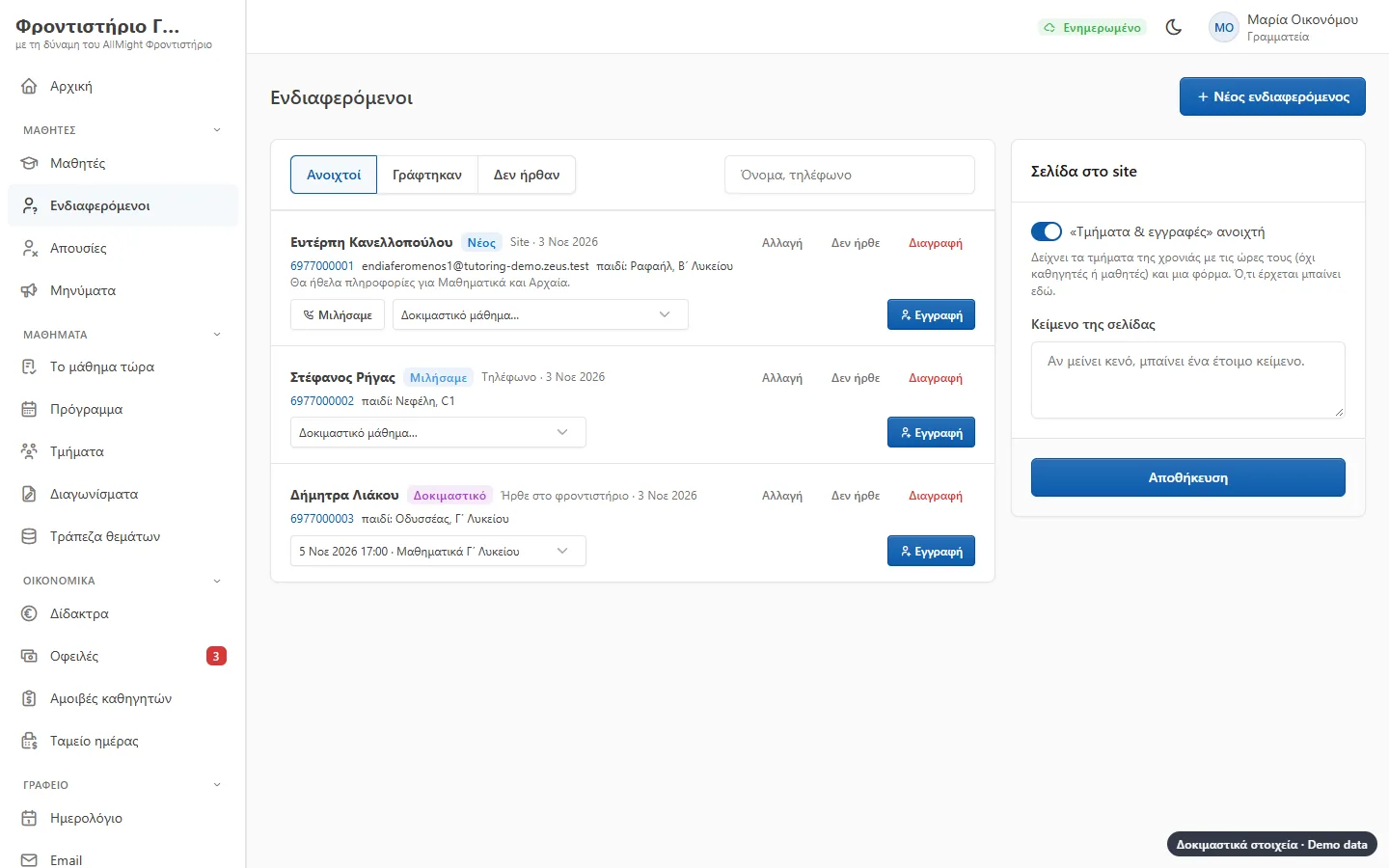
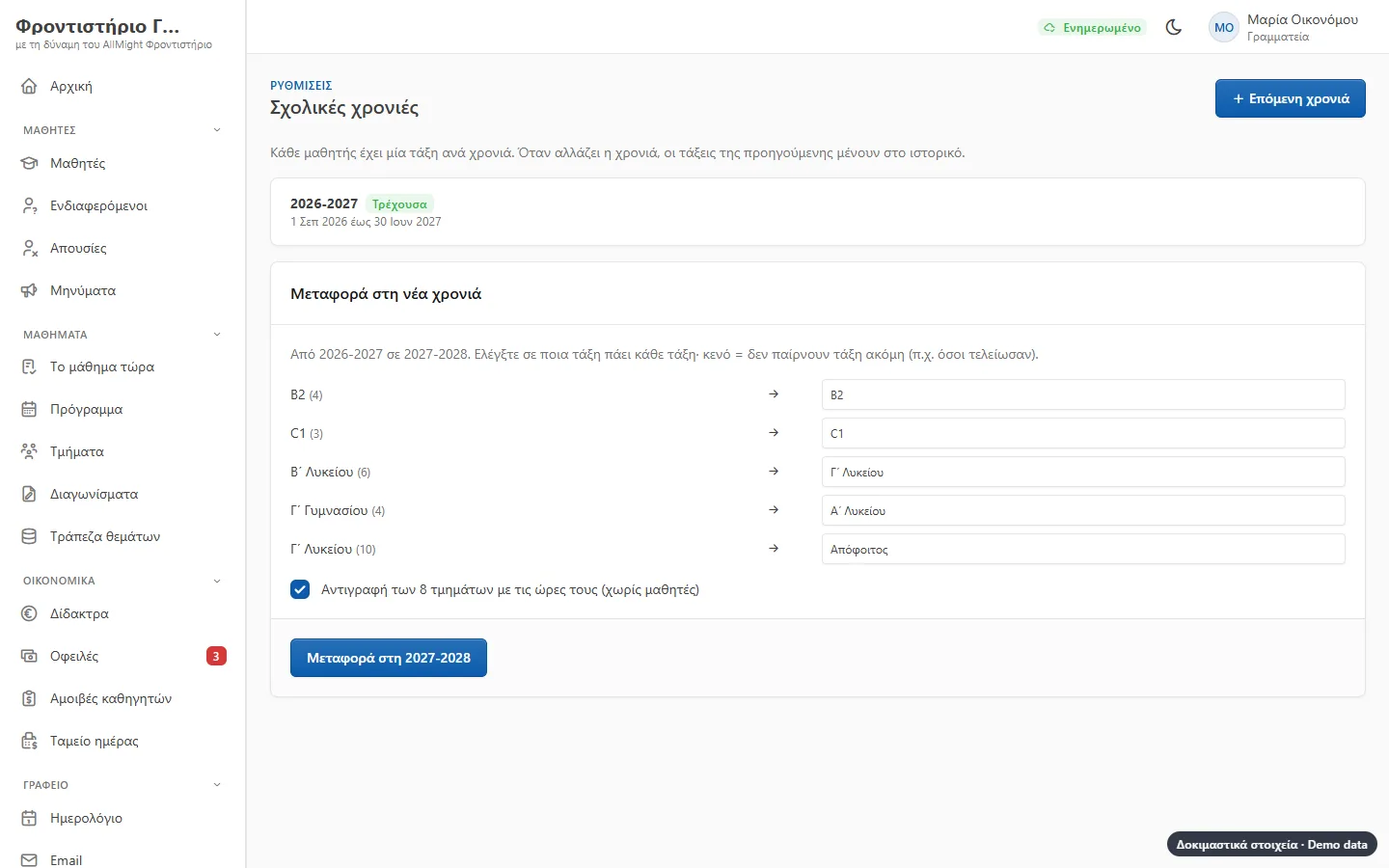
The school’s site shows the groups and their hours, with a form for those interested. Whoever writes or calls goes to «leads», books a trial lesson and is enrolled at a click. In June, «new year» moves the children up a class and copies the groups.
- The teacher sees the trial student on the roll
- An enrolment form the parent signs at the office or from their phone, kept as a PDF
- Consents for the children’s data and photos
- A preview before the children move up
Teachers’ pay
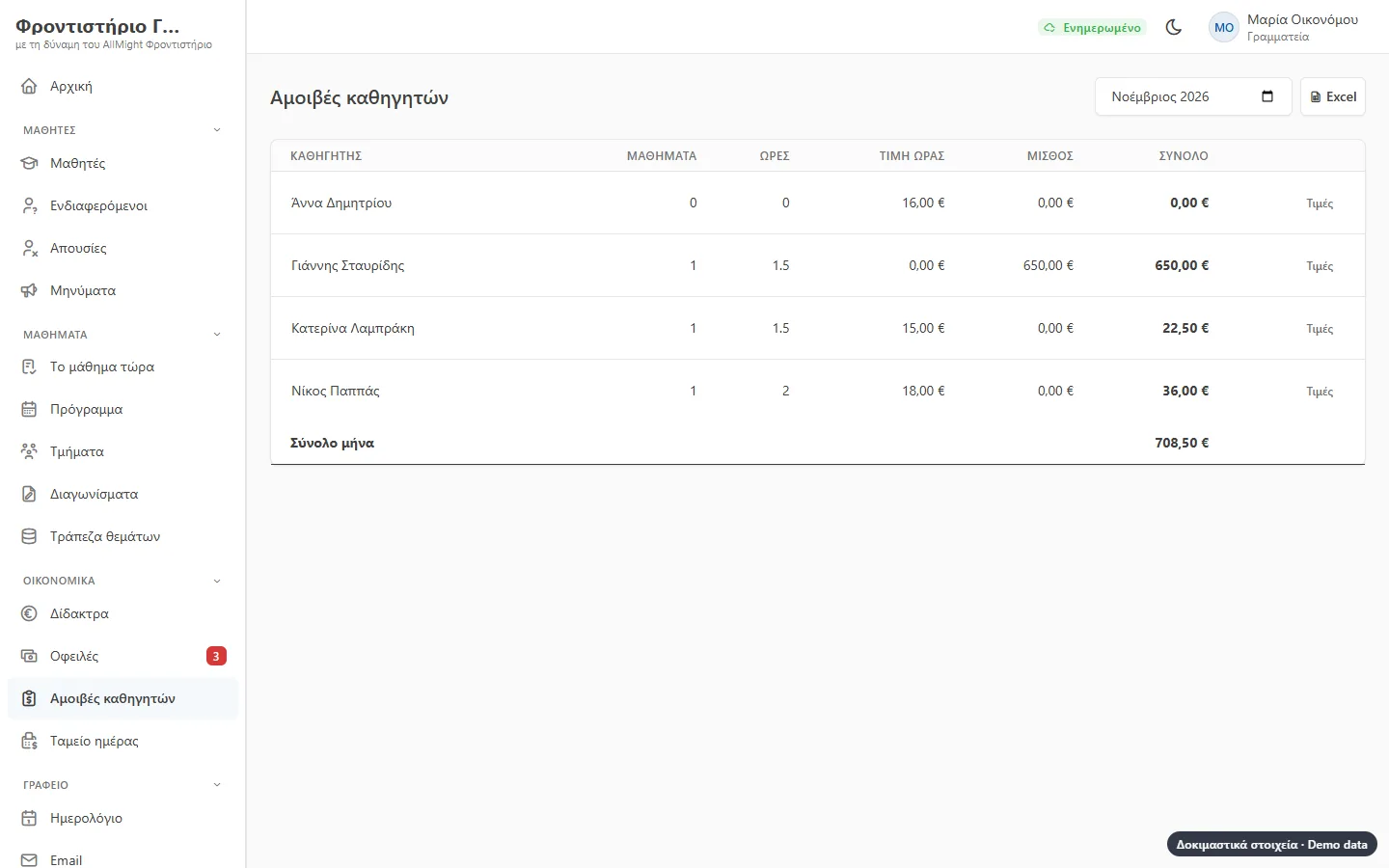
Pay follows the lessons that were given: hours times an hourly rate, or a salary. A substitution goes to whoever gave the lesson, and each teacher sees their own.
- Month by month, every lesson listed
- Excel for the accountant
- «My pay» for the teacher